
SimpleSpend for iPhone and iPad
Expense tracker for iPhone and iPad
Log a transaction in seconds. No account, no ads. Keep records on your device, turn on iCloud if you want, and share one ledger with family when you need to.
View on the App Store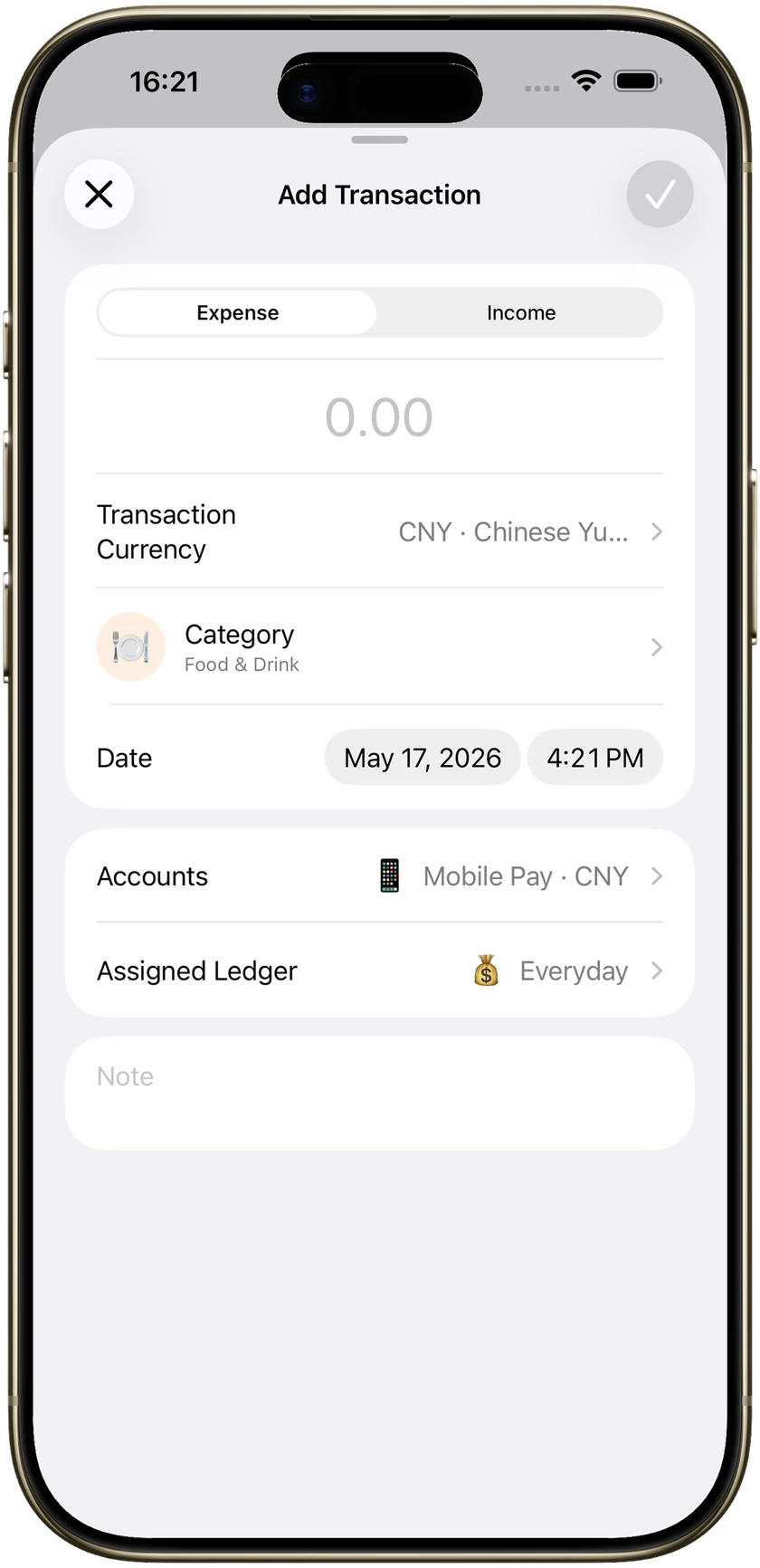
Quick entry
Log an expense in a few seconds
Amount, category, account, and a note if you want one. Make your own categories, subcategories, and accounts. The form is short on purpose.
Voice
Log expenses with Siri, or hold to talk
Siri and Shortcuts can log income or expenses on iOS 18. On iOS 26, hold the + button, say the amount, date, and category, then release. The form fills in so you can check it. Nothing saves until you confirm.
Recurring bills
Track rent and bills on a schedule
Daily, weekly, monthly, yearly, or a custom interval. When a charge is due, SimpleSpend adds it the next time you open the app.
Subscriptions
See what subscriptions cost for a year
Mark an expense as a subscription to get an estimated annual total and the charges coming in the next 12 months.
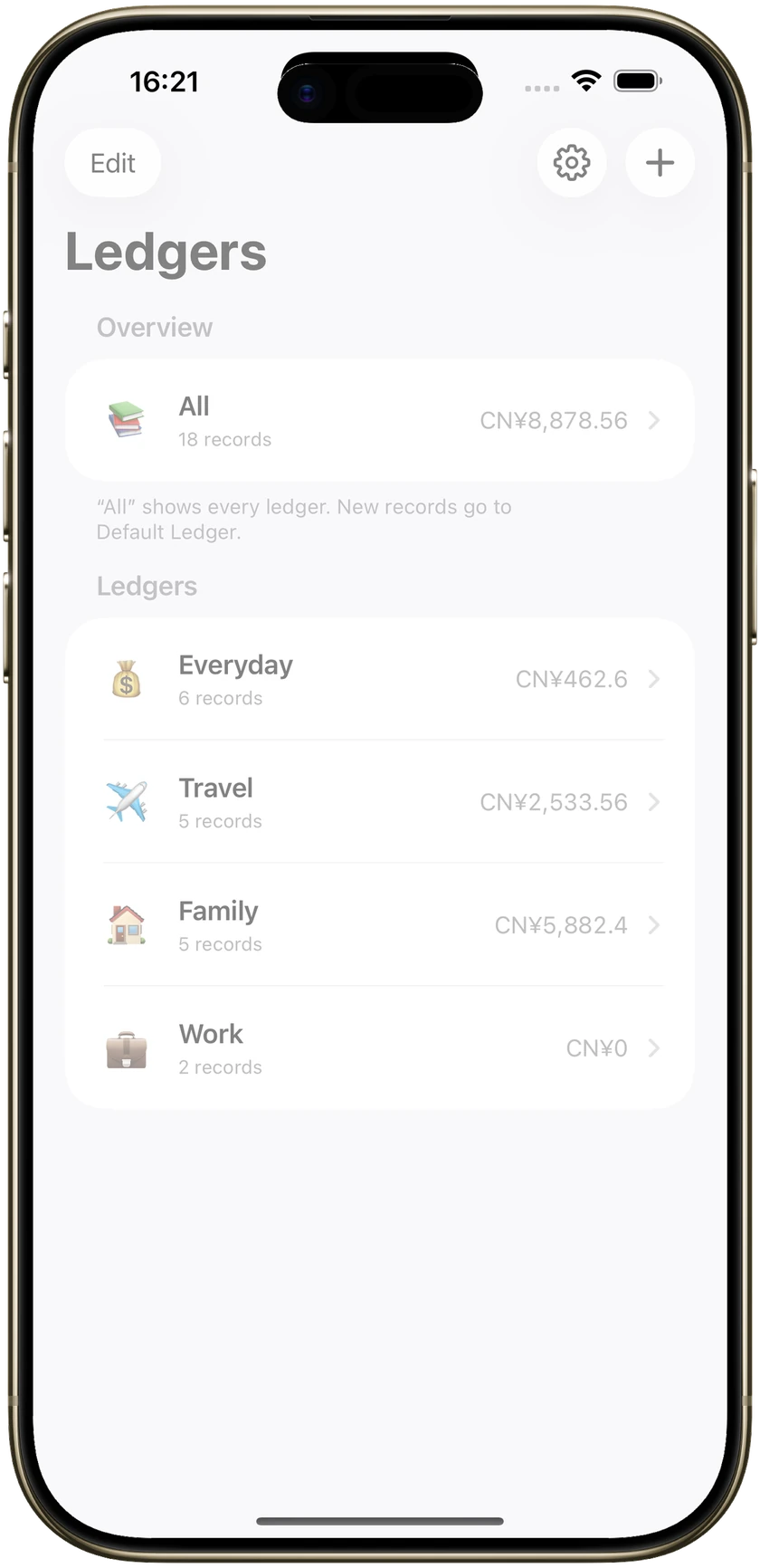
Several books
Keep travel, family, and work apart
Each ledger has its own transactions and budgets. Recurring rules belong to personal ledgers. All adds the books up without mixing them.
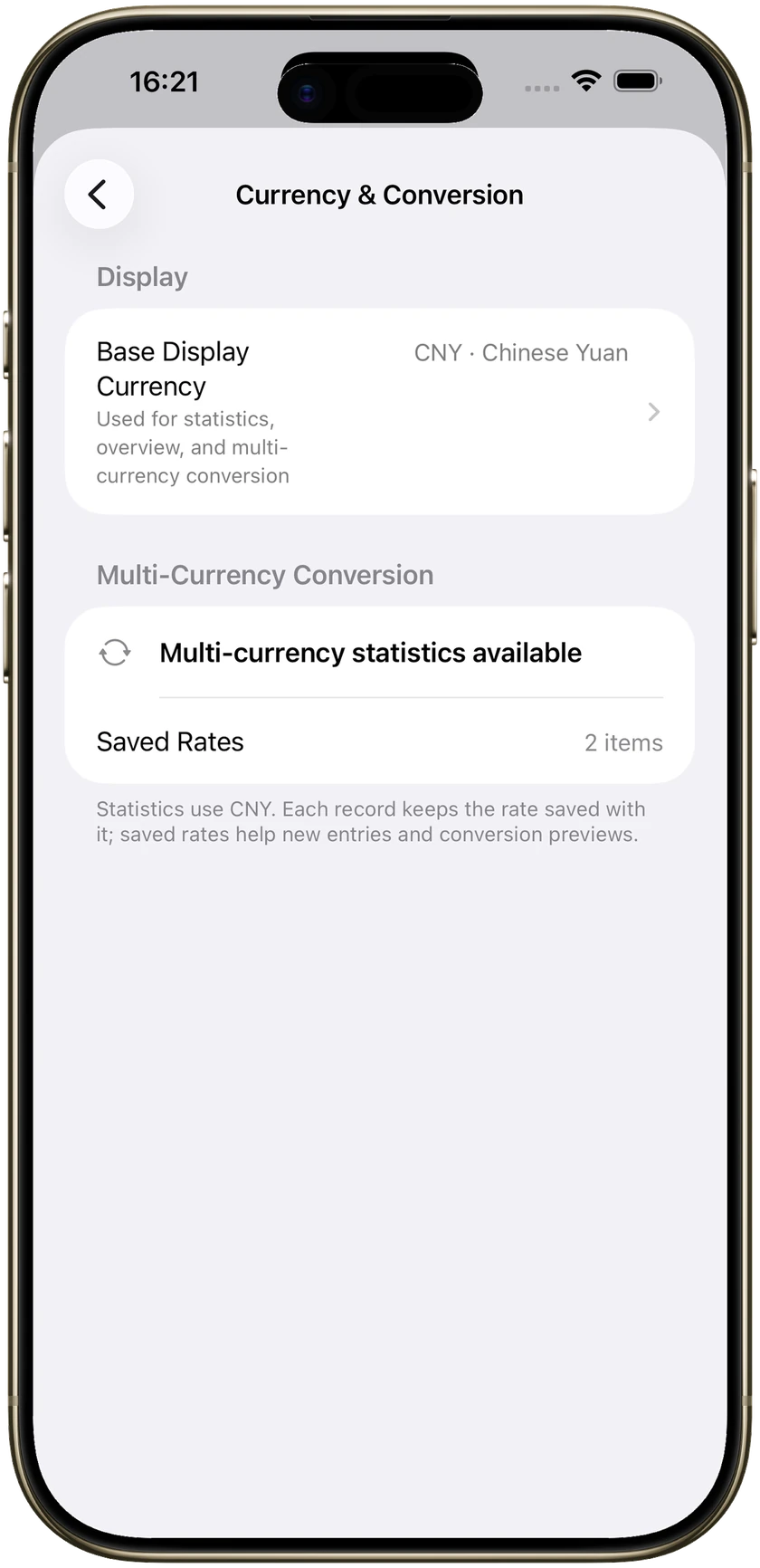
More than one currency
A multi-currency expense tracker for travel
SimpleSpend fetches exchange rates and stores the rate with the record. Statistics convert into the display currency you choose.
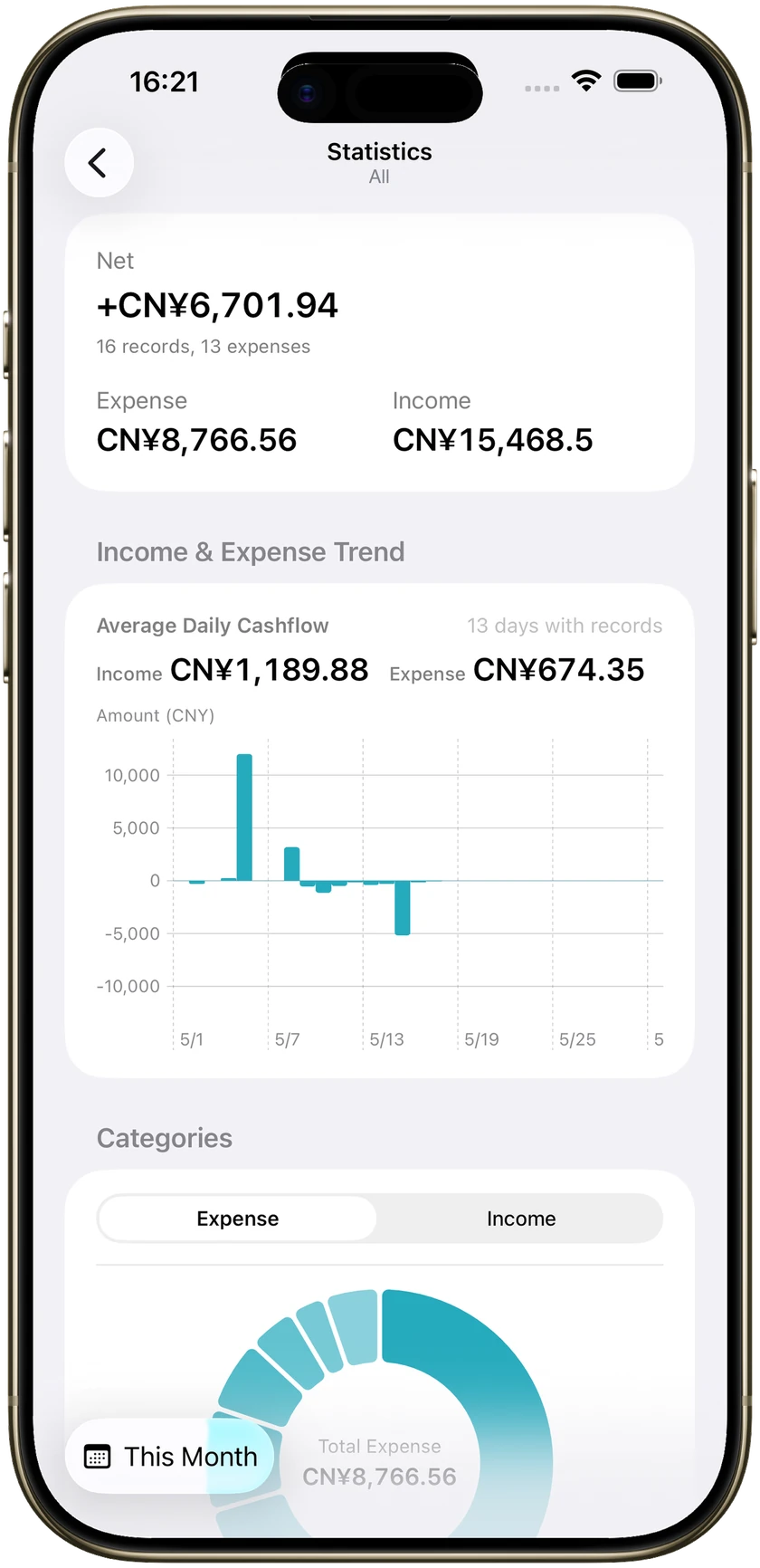
Budgets
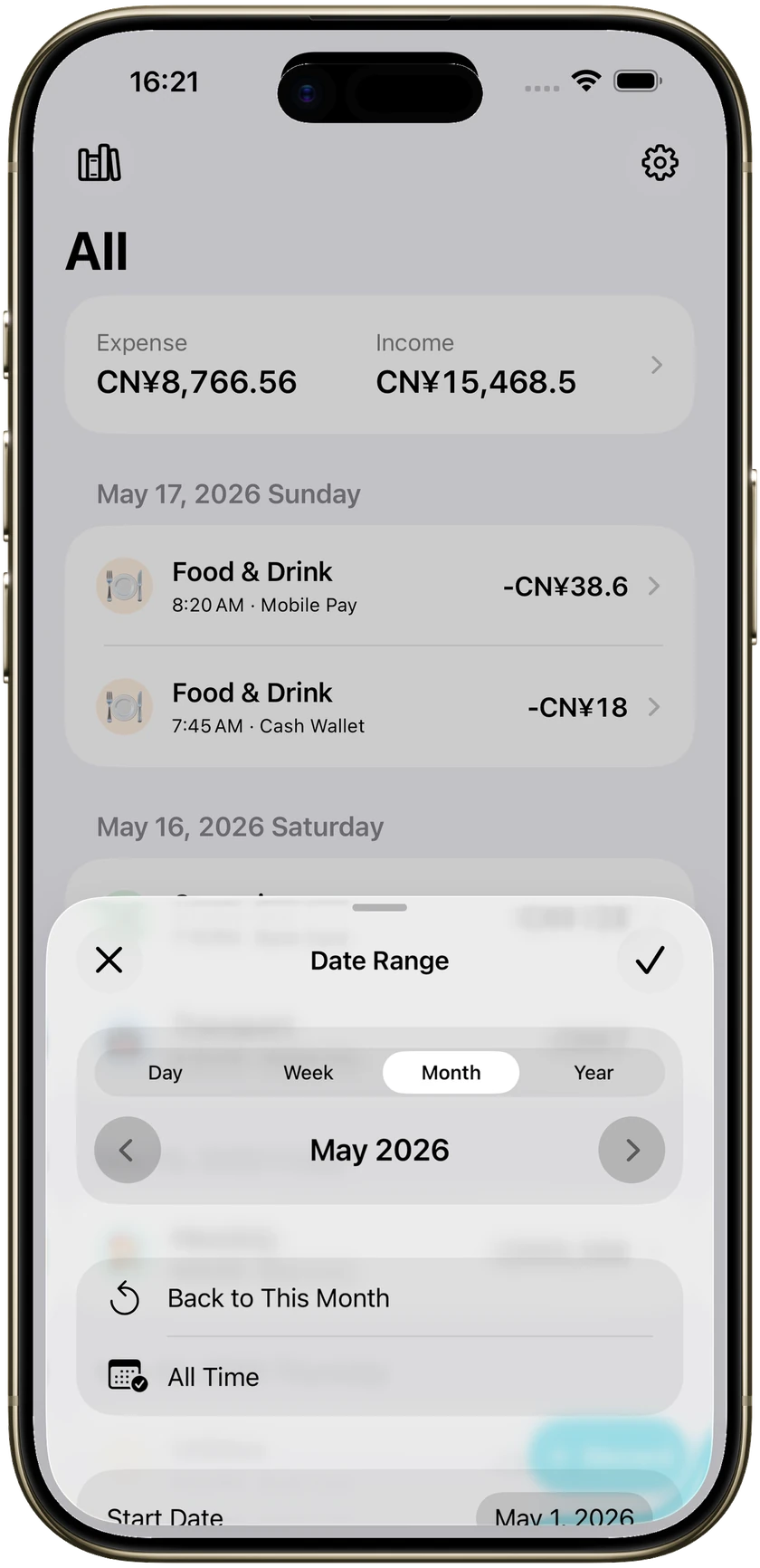
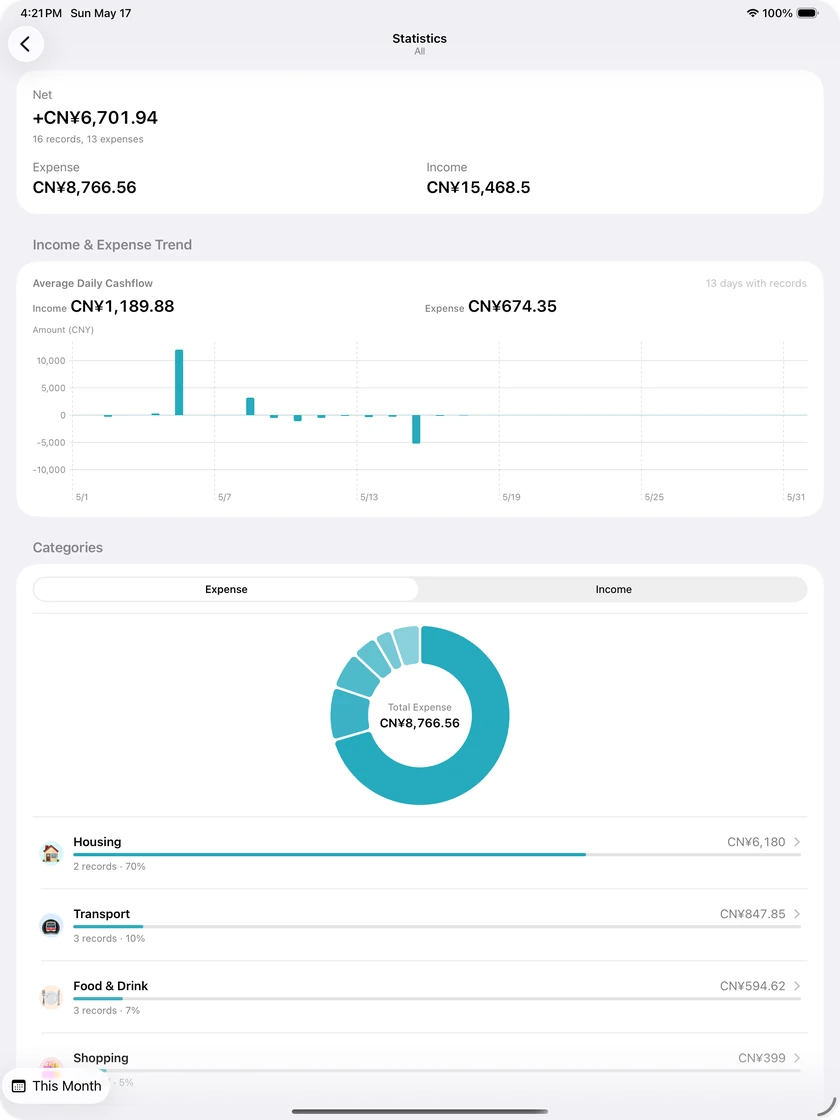
Income, expense, net, and a monthly budget
Filter by day, week, month, year, or a range. Set a monthly budget if you want a line you can see.
Also on iPad
The same books, a wider desk
Ledgers sit in a split view on iPad. Same records, budgets, and recurring rules as on iPhone.
Your data
On your device unless you say otherwise
- No account. Open the app and start logging.
- Records stay on the device by default. No bank login.
- Optional iCloud sync between your iPhone and iPad.
- CSV export whenever you want a copy.
- No ads. We do not sell your data.
Free and Pro
Core tracking is free
Pro unlocks unlimited recurring rules, creating a shared ledger, batch editing, and category merging. Yearly subscription or a one-time purchase, in the App Store.
Get SimpleSpendGuides
How to track money on iPhone
Short answers for rent, subscriptions, shared budgets, Siri, and keeping data on the device.
- How to track rent and bills on iPhoneSet rent and bills once. The charge lands when you next open the app.
- See what subscriptions cost for a yearMark a charge as a subscription and read the yearly total.
- Share an expense tracker with familyOne shared ledger for the household. Personal books stay apart.
- Log expenses with Siri, or hold to talkSpeak the amount. Check the form. Then save.
- A multi-currency expense tracker for travelLog what you paid. Total it in one currency.
- A private expense tracker with no bank syncNo bank login. Data stays on the device unless you opt into iCloud.
- An iPhone budget tracker without adsMonthly budget, category split, no ads in the charts.
- A recurring expense tracker for iPhoneRules write the next row when you open the app.
FAQ
Common questions
How do I track rent and bills on iPhone?
Set a recurring rule once with the amount, category, and schedule. SimpleSpend adds the charge the next time you open the app after it is due.
GuidesHow can I see what subscriptions cost per year?
Mark an expense as a subscription. The app estimates the annual total and lists charges for the next 12 months.
GuidesCan couples share an expense tracker?
Yes. Create a shared ledger and invite up to 5 other people. Personal ledgers stay separate. Creating the shared ledger is Pro.
GuidesCan I log expenses with Siri?
Yes on iOS 18 with Siri and Shortcuts. On iOS 26 you can also hold + and speak. The form always waits for you to confirm.
GuidesDoes SimpleSpend work with more than one currency?
Yes. Log in the currency you spent. The app stores the rate with the record and can total in a display currency.
GuidesDo I need to link my bank?
No. There is no bank sync and no required account. Records stay on your device unless you turn on iCloud.
GuidesIs SimpleSpend free?
Core tracking is free. Pro unlocks unlimited recurring rules, creating a shared ledger, batch editing, and category merging.
Does it work on iPad?
Yes. The same ledgers, budgets, and recurring rules, in a split view.